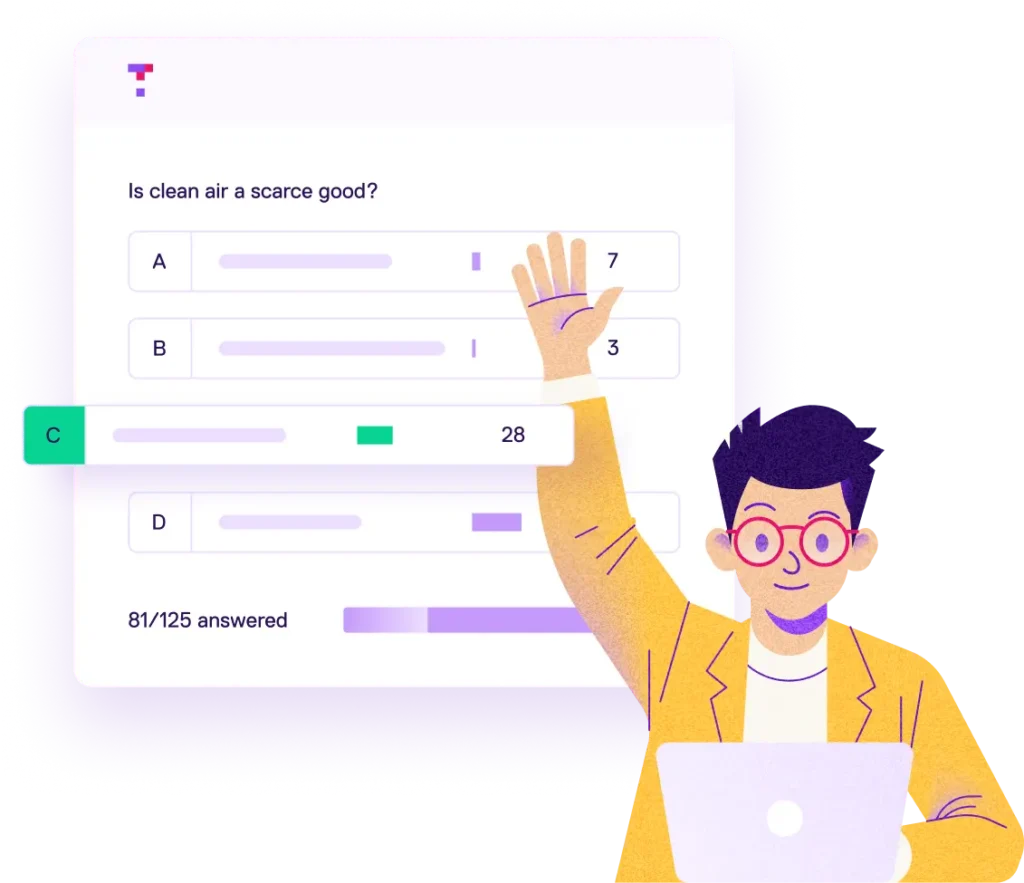



Boost student participation, instantly
It’s never been easier to try Top Hat. With our AI-powered assistant, Ace, and a new guest mode option that lets students join presentations instantly, you can spark classroom engagement in just minutes.
Follow these steps to try
Top Hat in your course:
Create your account
Setting up your account only takes a few clicks. Once you’re logged in on a desktop or laptop, Ace will serve up a set of starter questions that you can ask in class, based on the courses you teach.
Review your questions or add your own
Use or edit the starter questions provided by Ace. Want something more personalized? Upload a set of lecture slides and let Ace generate questions based on your lesson content.
Present your questions in class
When you’re ready, click the

button and enable guest mode for your presentation. Your students will be able to participate in polls and discussions from their own devices without needing to log in or create a Top Hat account.*

*Guest mode can be used in up to five sessions in any course without enrolled students.
Discover what else you can do with Top Hat
Our engagement platform has everything educators need to deliver interactive and personalized learning, in and out of the classroom. We’ll be happy to show you around.
Book a Demo
Explore Top Hat’s dynamic courseware. We’re your partner in transforming student engagement—wherever and whenever learning takes place.
