
- Ace
- Content Enhancer
- Ace
- Content Enhancer
Make your content more accessible and interactive
Transform static course materials into dynamic, web-based pages. Top Hat’s AI-powered assistant, Ace, helps enhance your content with actionable accessibility recommendations, formative assessment questions, relevant examples, and more.
*Free account required to upload documents
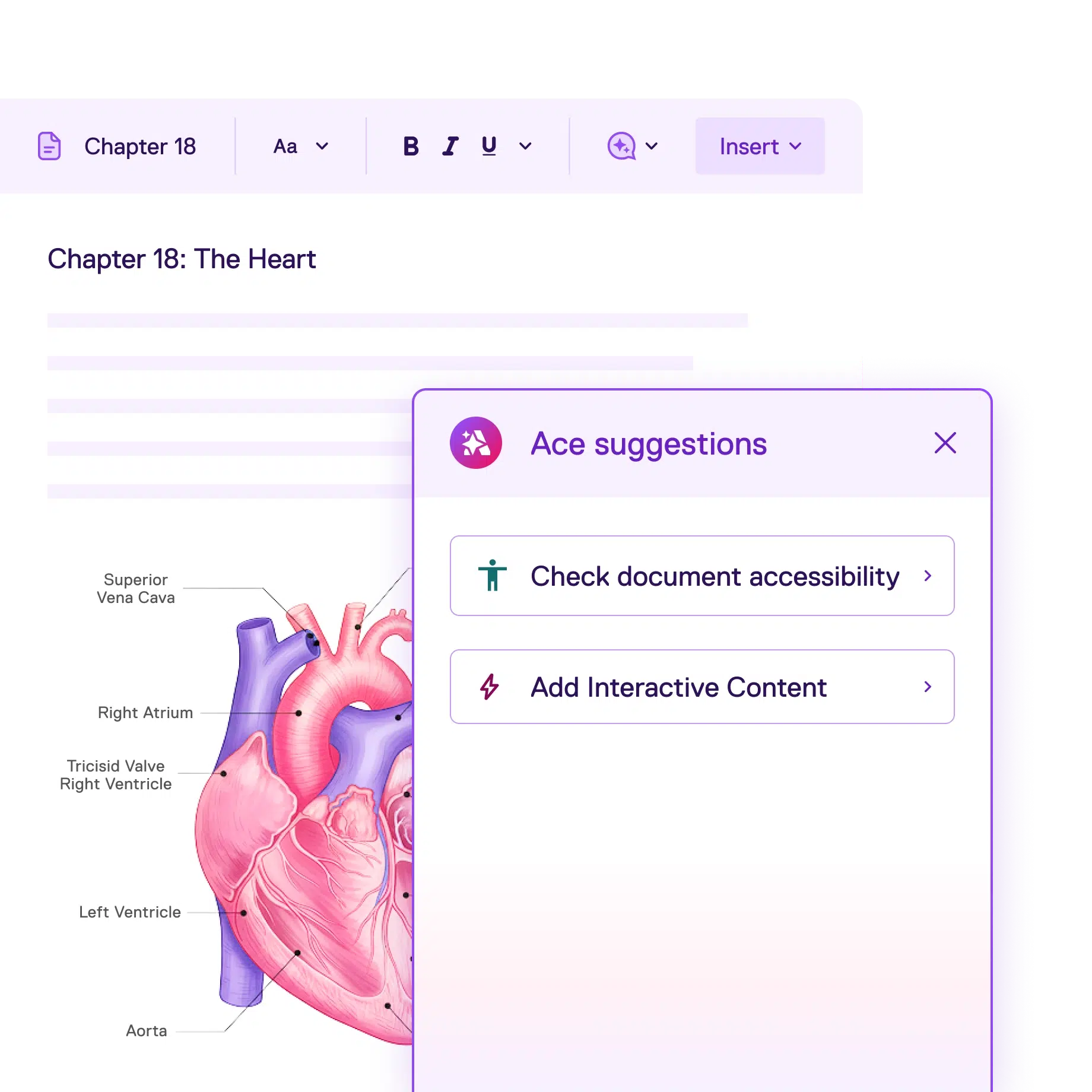
Enhance course materials for ADA Title II compliance
-
1
Convert PDFs and Word documents into accessible, web-based pages that support keyboard navigation and assistive technologies
-
2
Get actionable accessibility suggestions that help you identify and fix common accessibility issues
-
3
Save time with automatically-generated alt text and long descriptions for images and diagrams
Teach with more relevant course content
- Easily update material so it's always current and tailored to the needs of your course and students
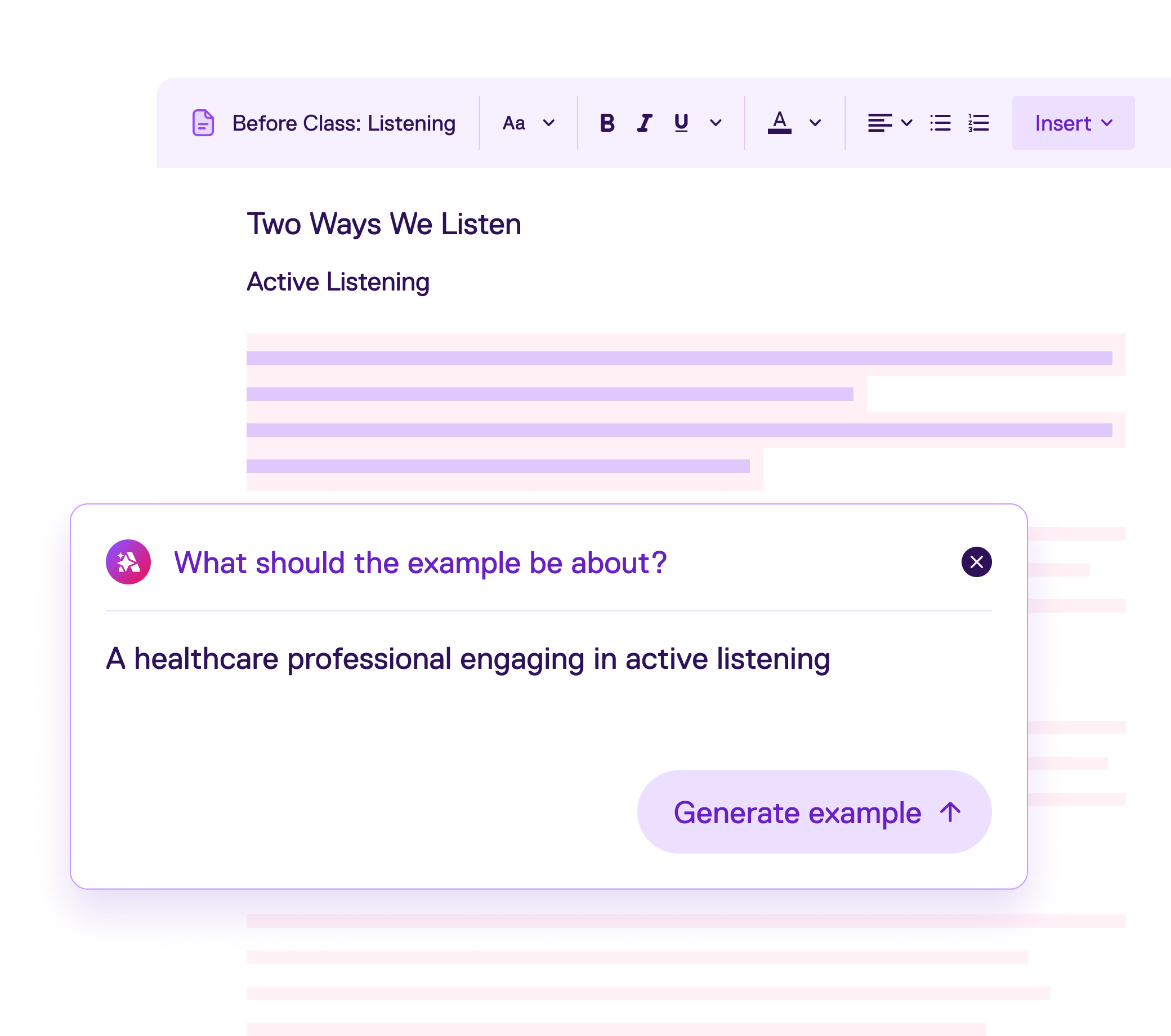
- Instantly generate examples related to your course material, connecting concepts to students’ interests and academic goals
- Embed relevant videos, news articles, and other resources to bring your content to life
Integrate formative assessments with AI-powered questions
- 1 Reinforce learning with interactive questions auto-generated from your uploaded content
-
2
Provide instant feedback with built-in explanations generated by Ace, and guide students as they study
-
3
Go deeper by building your own assessments from more than 14 flexible question types and templates
Why students love Top Hat
It was very easy to navigate. I also liked the questions provided through Top Hat as it better prepared me for the actual quizzes and tests in our class. I also liked the AI built into the course as I found it to be engaging and informative.

Student
University of North Georgia
I enjoyed that it gives you explanations when things went wrong and extra chances until correct and I enjoyed the chapter/reaction summaries greatly! Also the videos were helpful.

Student
Illinois State University
I enjoyed that I was able to access class materials, homework, quizzes, and exams on my phone. The platform was user friendly and easy to navigate.

Student
Antelope Valley College
Frequently Asked Questions
What is Ace Content Enhancer?
Ace Content Enhancer is an AI-powered tool that helps instructors make course materials more accessible, engaging, and effective. It allows instructors to identify and fix common accessibility issues, automatically generate alt text and long descriptions for images, generate relatable examples, and reinforce learning with interactive questions and explanations.
What accessibility issues can Ace Content Enhancer help address?
Ace Content Enhancer helps instructors identify and remediate common accessibility gaps such as missing alt text for images, generic or unclear link text, missing or unclear page titles, and improper heading structure. Addressing these issues helps make course content more usable for students who rely on assistive technologies and improves the learning experience for everyone.
How does Ace Content Enhancer support ADA Title II accessibility?
Ace Content Enhancer helps instructors make course materials more accessible by transforming static files into dynamic, web-based pages and providing in-context guidance. Ace Content Enhancer highlights common accessibility gaps—such as missing alt text for images, unclear or generic link text, missing page titles, and improper heading structure—making it easier to improve accessibility throughout the course.
Will Ace Content Enhancer work with my existing Top Hat content?
Yes. Ace Content Enhancer can be used on existing Top Hat pages by opening the page in the new editor.
How does Ace Content Enhancer compare to other accessibility tools used in LMS platforms?
Many LMS accessibility tools and third-party services focus on scanning content and producing high-level reports or summary scores, which can help institutions track accessibility over time. Others may generate alternative formats or provide visual indicators of accessibility concerns. Ace Content Enhancer complements these approaches by transforming static documents—including scanned document PDFs—into responsive and editable pages. Ace also embeds actionable accessibility guidance directly into the content editing experience, helping instructors understand both what to fix and how to fix it as they work on their materials. Unlike other tools, Content Enhancer’s functionality extends beyond accessibility, giving instructors the tools to improve the relevance and interactivity of content.
Can Ace Content Enhancer replace LMS accessibility checks or third-party accessibility dashboards?
Ace Content Enhancer is designed to support instructors in improving accessibility of course content. While LMS-level accessibility checks and dashboards provide valuable overviews and reporting, Ace focuses on real-time improvement of individual course materials. When used together, Ace and LMS or third-party accessibility tools can help educators meet both daily teaching needs and broader institutional accessibility goals.