
- Features
- Interactive Content
Interactive content
that sparks lasting learning
helped them understand the course material*
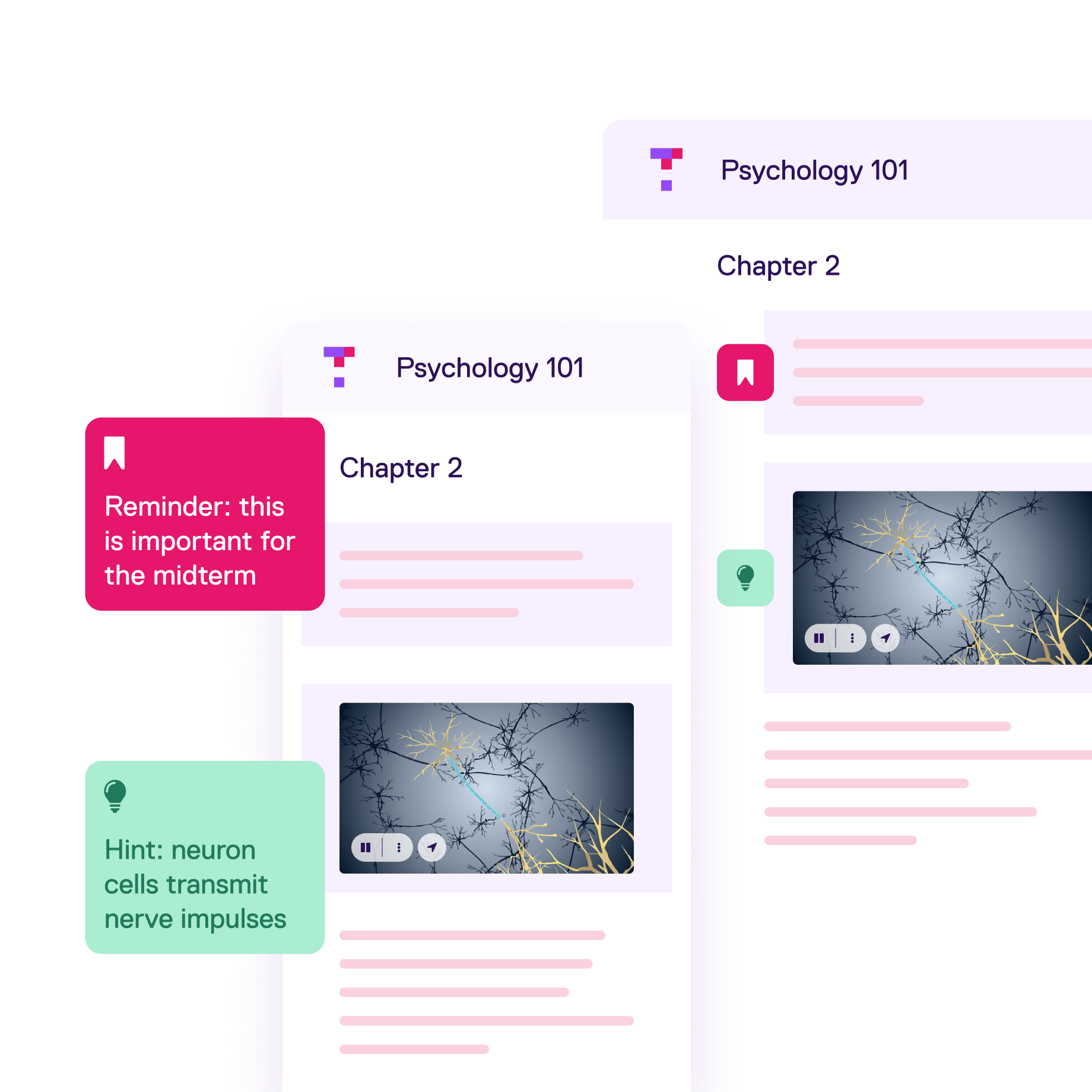
Make every page engaging, accessible and personalized
-
1
Create course materials or upload content to Top Hat Pages, then use our AI-powered Content Enhancer to apply accessibility recommendations and low-stakes questions to your assignments
-
2
Incorporate videos, images, simulations and news articles into your content—bridging theory and real-world application
-
3
Get clear, real-time insights on student performance from integrated questions, so you can keep every learner on track
Adapt, edit or create your own content from scratch
- Turn passive readers into active learners with Top Hat’s library of editable Interactive eTexts, lab manuals and OpenStax titles—all easily personalizable to your course
- Create your ideal textbook with instructional design support from our Custom Solutions team
- Keep every reading relevant by customizing content down to the words, photos, videos and questions that appear in your text

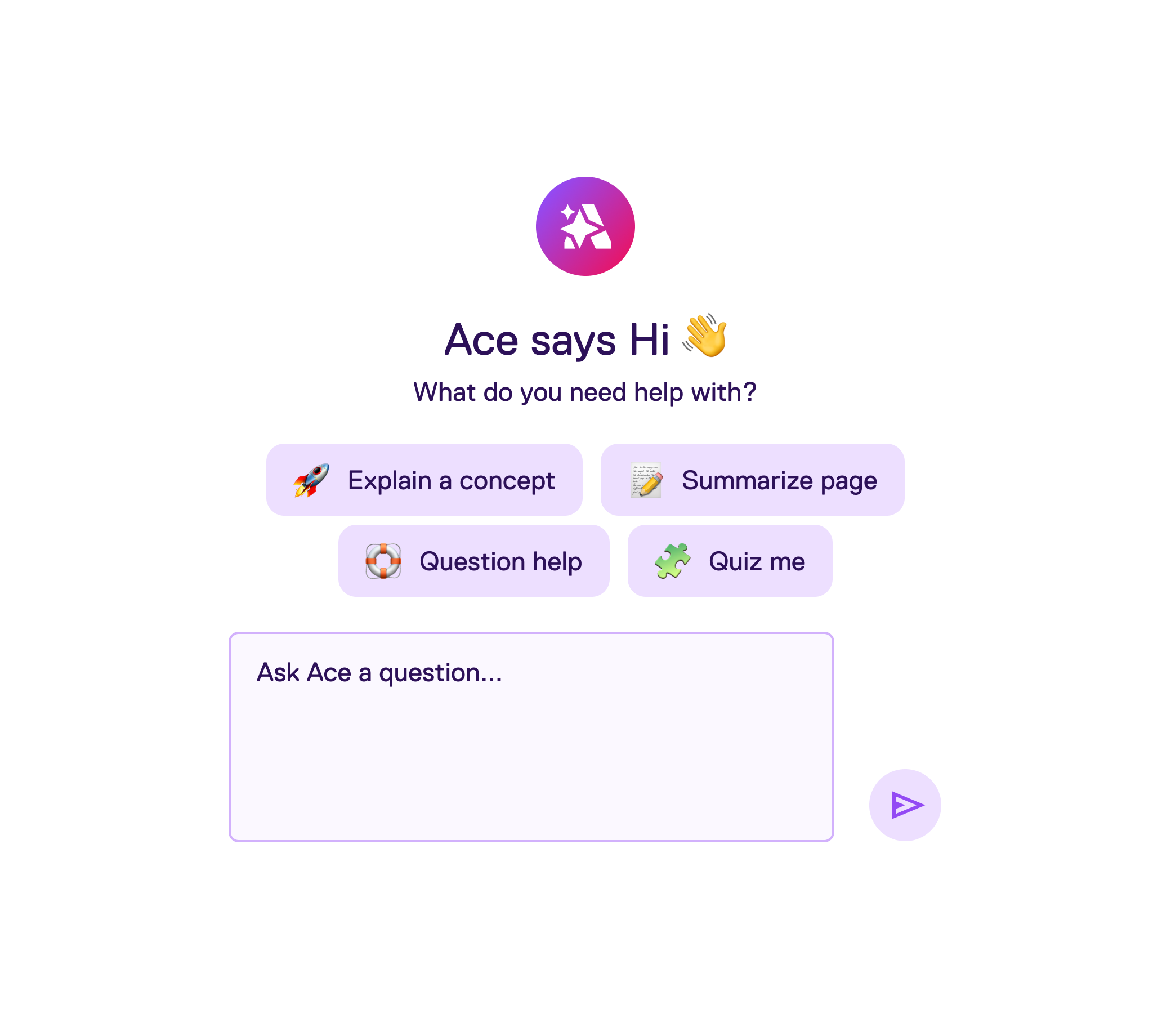
Offer meaningful and connected study support
-
1
Give every student personalized study support with Ace’s on-demand guidance that’s always tied to your course content
-
2
Let students test themselves early and often with AI-generated practice sessions that build confidence before exams
-
3
Spark peer-to-peer interaction with Class Threads: a built-in chat that lets students debate, ask questions and discuss concepts—right alongside course content
Tools for teaching, learning and engaging
Interactive content is just one of the many ways Top Hat enables professors to teach with engaging content, tools and activities in online, hybrid or face-to-face classrooms
All Features
What's New
Attendance
In-Class Engagement
Assessments & Preparedness
Interactive Content
Insights
Ace
Why students love Top Hat
I liked how the readings were similar to an article with headings and subheadings, with the addition of embedded videos and questions to test you on the information from that section.

Student
University of Ottawa

Student
Mount Saint Vincent University
The AI feature on the textbook allowed for generated questions to truly test my knowledge. It came in very handy for studying for the midterm and exam.

Student
McMaster University
Frequently Asked Questions
How easy is it to customize content in Top Hat?
It’s very easy to use Top Hat to create customized content and personalized learning. Using Top Hat Pages, educators can incorporate visual and interactive elements such as images, videos, student engagement features like discussions and live polling, and other personalized content to increase student comprehension. Top Hat’s AI-powered assistant Ace, one of the best AI tools for students, makes this easy with features to generate questions and examples and improve the accessibility of content. For detailed instructions on how to create personalized content, see this Support article.
What is the benefit of integrating low-stakes assessments into course content?
Research has consistently shown that frequent low-stakes assessments can improve students’ retention and understanding across many disciplines. Assessments are commonly used as tools to measure learning, but they can also be used to enhance it—instructors can have students activate recall while they learn in class or read a college textbook, rather than only during high-stakes assessments. This approach enables retrieval practice, a strategy to strengthen memory by recalling information. As a student engagement platform rooted in active learning—coupled with digital textbooks across several disciplines—Top Hat makes it easy for educators to incorporate frequent low-stakes assessments in and outside of class. You can learn more about the research behind Top Hat here.
What is a Top Hat Interactive eText?
What makes an Interactive OpenStax textbook on Top Hat different from a regular OpenStax textbook?
How can I create my own textbook on Top Hat?
How is Ace different from OpenAI’s ChatGPT?
How do I access my digital textbook on Top Hat?
If you are a student looking for a specific digital textbook, make sure you are in the Top Hat course that corresponds with that text. Students can refer to the course title and unique 6-digit join code at the top of the course page to confirm they are in the right course. To find a specific interactive textbook, navigate to the All Content or Assigned for Grades section of the course. All available textbook material including chapter readings and assignments will be listed here. Students can then click into the folders to reveal their contents and select the corresponding reading or assignment to bring it up on their devices. For more information, see this Support Center article.
How can I buy an ebook (Interactive eText) on Top Hat?
If your instructor is assigning Top Hat with an Interactive eText, it will be included in your purchase. Students may access their Top Hat course using the unique join code provided by their instructor. If the instructor does not require the Top Hat platform, but requires students to purchase an Interactive eText separately, please visit our Catalog to buy directly.
Is Top Hat a one-time purchase?
Top Hat offers flexible pricing options for students depending on how long they will be using the platform. Students can typically subscribe for a single term (4 months) or a full year (12 months). If an educator is using a Top Hat interactive textbook, students pay one combined price for the platform and the textbook for that term. Find more information on our Pricing page.